Note Namer: A Free Game That Names the Notes Students Sing and Play
Note Namer: A Free Game That Names the Notes Students Sing and Play
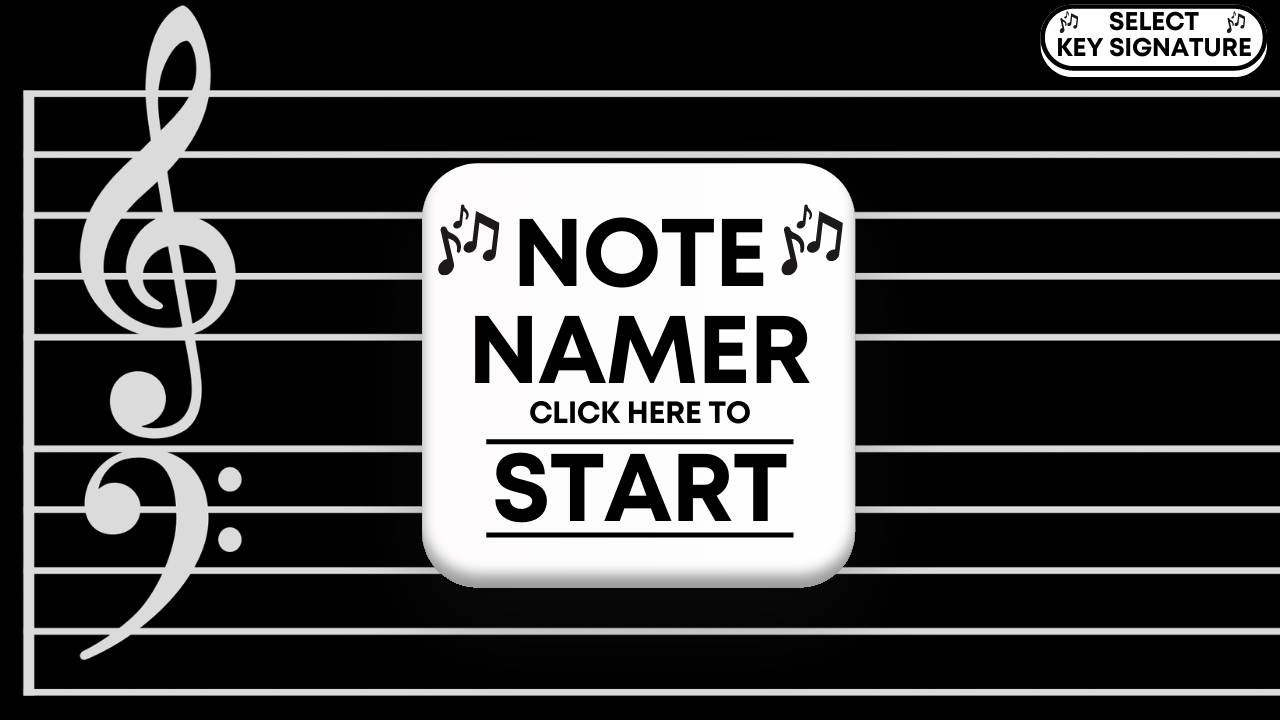
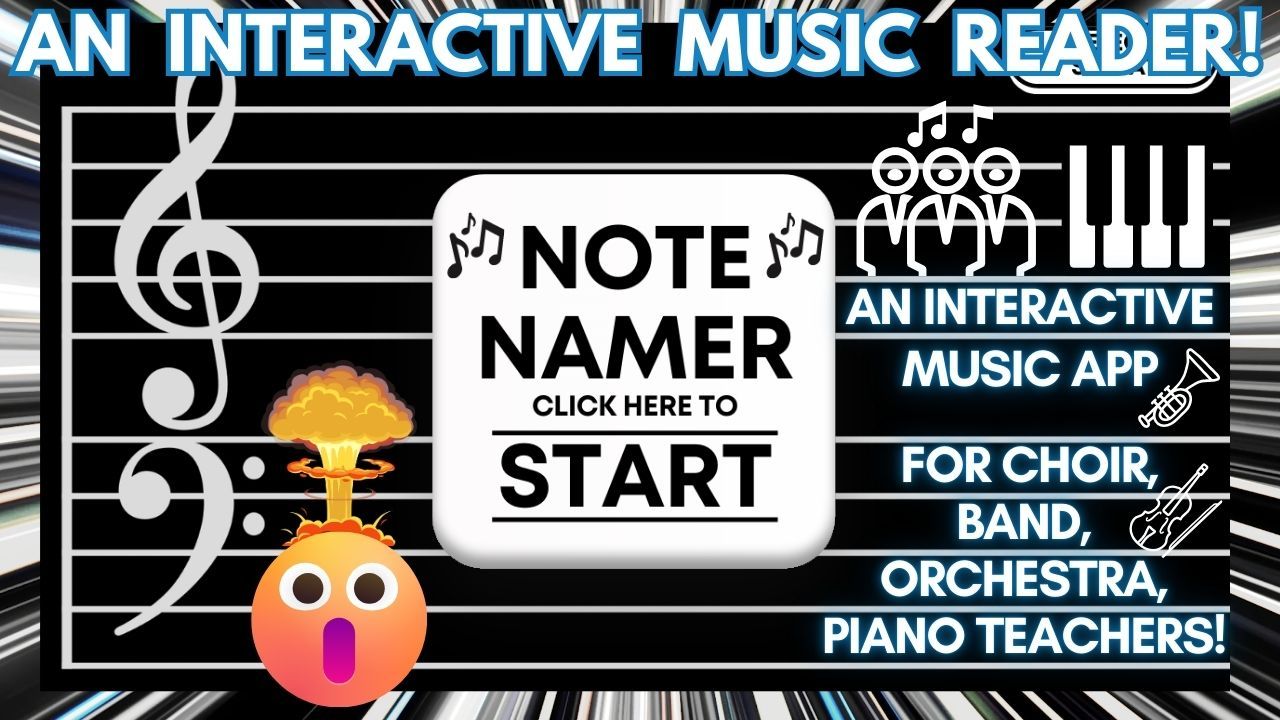
Note Namer listens through your microphone, finds the pitch a student is singing or playing, and shows it on a staff with its solfege syllable or letter name. Students aim their voices at incoming targets to score points, so pitch practice feels like an arcade game.
👇 Sign-Up to Try Out The Note Namer Now! 👇
(For A Limited Time Only!)
 Sign-Up For Access & Receive A Free Download of The Note Namer Google Form!
Enter your info to receive INSTANT ACCESS to the latest Note Namer as well as a FREE Google Form to use with your students!
What Note Namer does
When a student sings or plays a note, the game detects the pitch in real time, places it on a grand staff that runs from C2 to C6, and labels it with a solfege syllable (Do, Re, Mi) or a pitch name (C, D, E). Each note fires a shot across the screen at that pitch, so students have to land on the right note to hit the targets moving toward them.
How it works
- Pick a voice part or instrument. Choose Soprano, Alto, Tenor, Baritone, or Bass and the targets appear inside that range. You can also choose piano, Bb trumpet, Eb alto saxophone, F horn, or C clarinet. For the transposing instruments, the labels show the written note the student reads, not concert pitch.
- Choose how notes are named. Solfege mode uses fixed Do, so C is always Do. Pitch Names mode shows letter names instead.
- Choose a mode. Diatonic mode snaps each pitch to the nearest natural note. Chromatic mode shows every half step, with sharps sung as Di, Ri, Fi, Si, and Li.
- Climb through 10 levels. Hitting a target earns points, and letting one slip past the middle of the screen costs points. Targets get faster as levels rise, bigger targets take more than one hit, and from Level 5 on, bombs appear that cost points if you hit them. Every 1,000 points moves up a level, or you can jump to any level from the menu.
- Start on the right note. The Do/C Reference Pitch button plays middle C so singers can find their starting pitch.
How teachers and students use it
Project Note Namer at the start of rehearsal as a pitch-matching warm-up, then pass the microphone around so individual singers can take a turn while the class reads the note names out loud. It is a low-pressure way to check who can match pitch, and it connects the sound of a note to where it sits on the staff. Band teachers can switch to an instrument setting so students see the written name of the note they just played.
Frequently asked questions
Is Note Namer free?
Yes. Enter your name and email above for instant access, and you can download Note Namer as a ZIP file.
What do I need to run it?
A computer with a modern browser such as Chrome, a microphone, and an internet connection while it loads. Unzip the file, open index.html in the dist folder, and allow microphone access when the browser asks.
Does it record my students?
No. Note Namer reads the microphone signal inside the browser to find the pitch. It does not save or upload any audio.
Does it use movable Do?
No. Solfege in Note Namer is fixed Do, so C is always Do. If your students read in movable Do, practice in C major or switch to Pitch Names.
Can band and orchestra students use it?
Yes. Any instrument the microphone can hear will register, and the trumpet, alto saxophone, and horn settings show written pitch. Piano and C clarinet show concert pitch, which also works for strings and flute.
Want students to practice the same pitch skills as a game? Try Audiation Arcade on Three Minute Theory.